
Projects & Runs
Beyond the editor, Ciaren helps you organize work and monitor what happened when a flow ran.
- name
- description
- name · source_type
- schema · sample
- has many Versions
- name · graph_json
- nodes + edges + parameters
- status · engine
- started_at · finished_at
- per-node results · logs
- resolved dataset versions
- cron · timezone
- enabled · catch_up
- fires Runs automatically
Projects
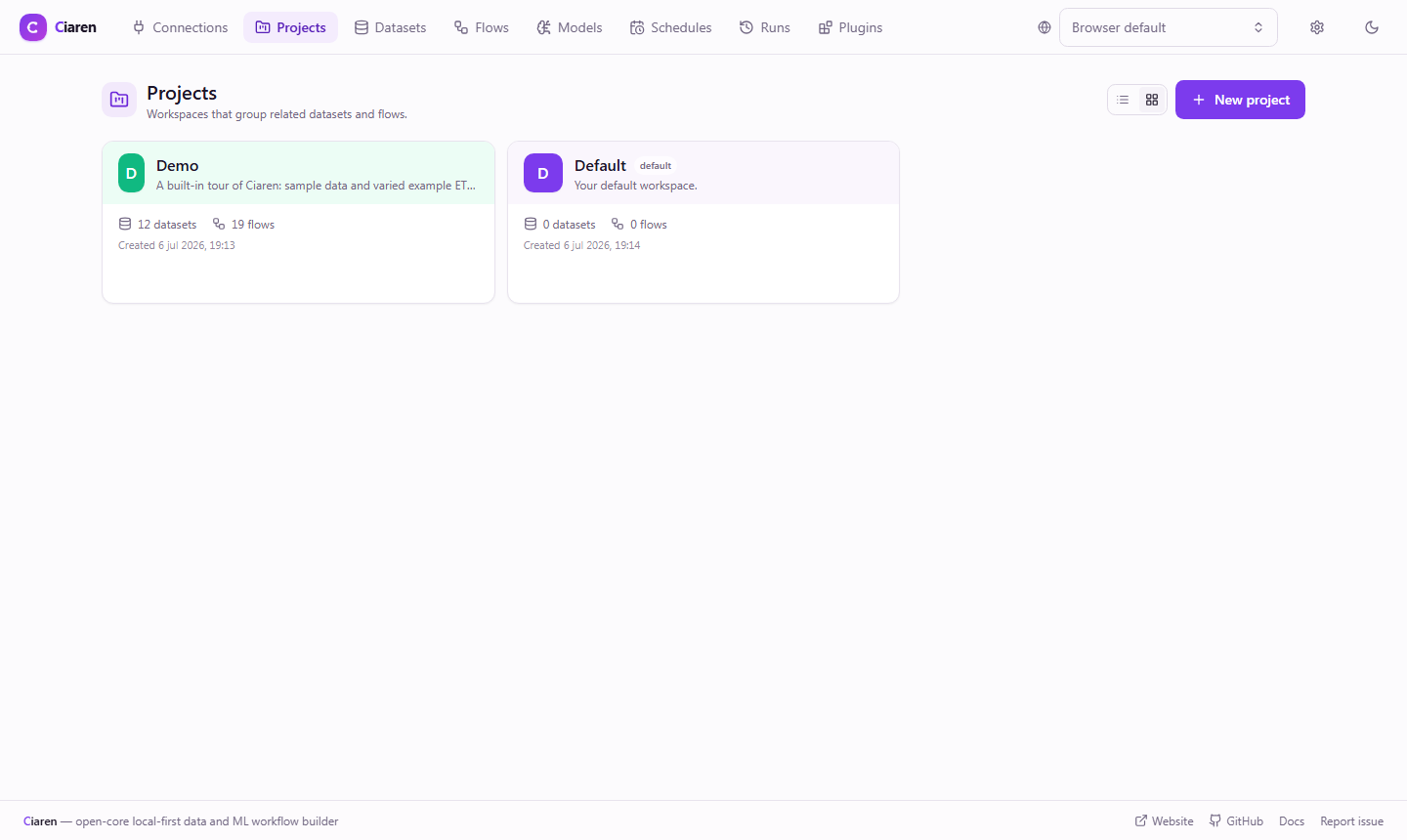
A project is a lightweight workspace that groups related datasets and flows.
- A
Defaultproject always exists, and every dataset and flow belongs to a project. - Deleting a project moves its items back to
Defaultrather than destroying them. - The project list shows dataset and flow counts at a glance.
Over the API:
curl http://localhost:8055/api/projects
curl -X POST http://localhost:8055/api/projects \
  -H "Content-Type: application/json" -d '{"name": "Marketing"}'
You can scope dataset and flow listings to a project with ?project_id=....
Datasets
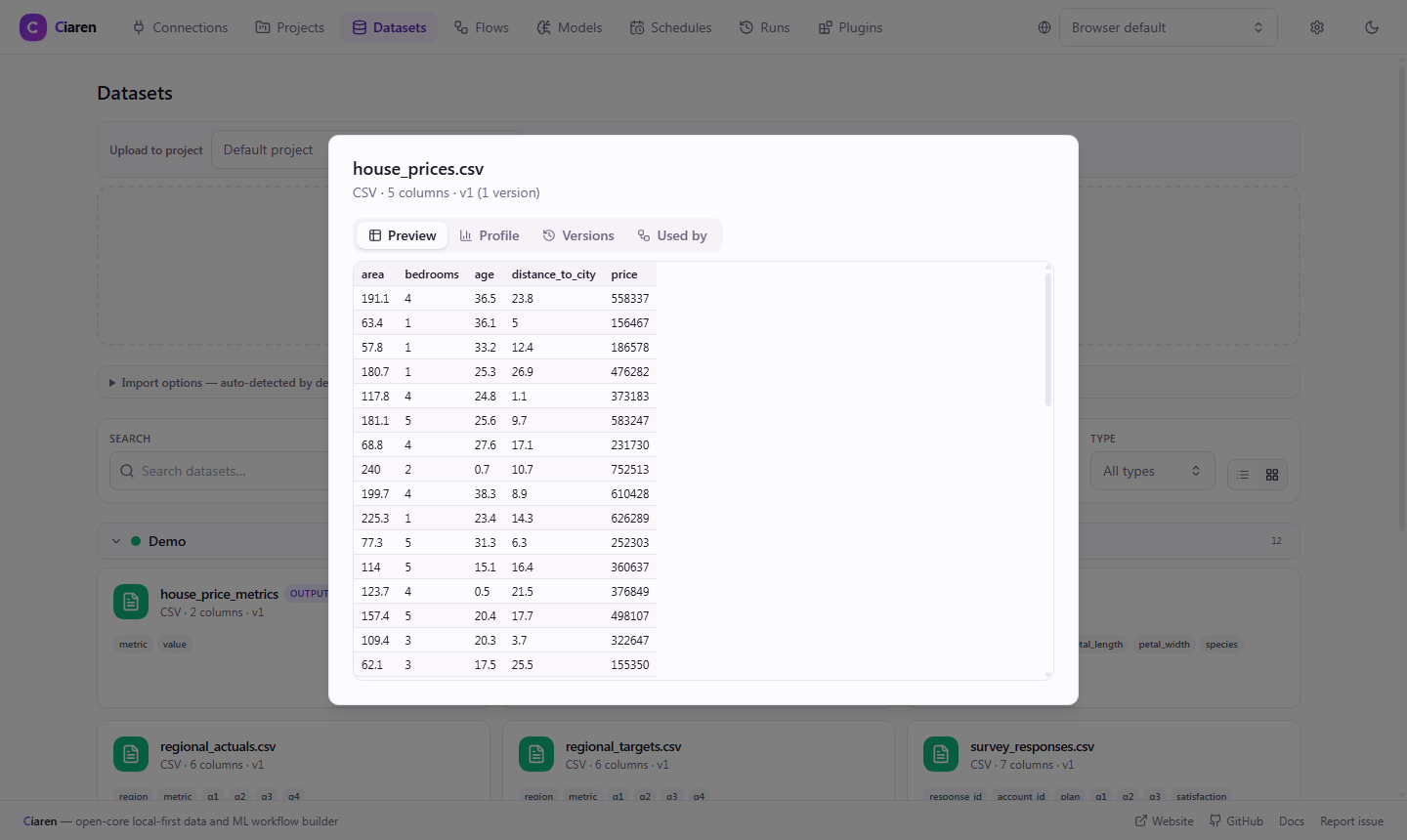
Upload CSV, TSV, Excel, Parquet, JSON/JSONL, or text files on the Datasets page. Ciaren infers a column schema and stores a small sample for previews.
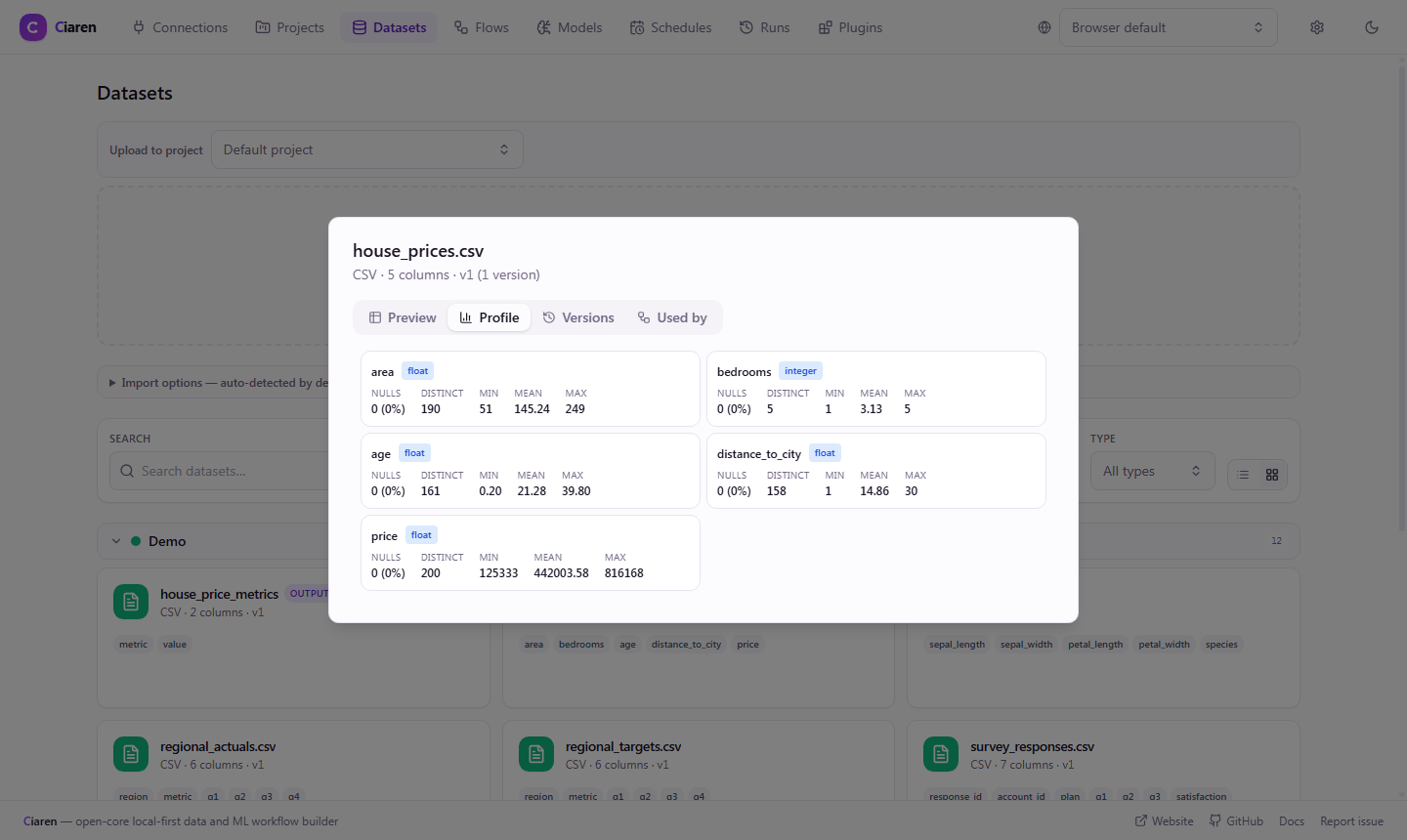
curl -F "[email protected]" "http://localhost:8055/api/datasets/upload?project_id={id}"The Profile tab shows per-column statistics computed at upload time:
Dataset versioning
Datasets are immutable and versioned. Re-uploading a file under the same name appends a new version rather than overwriting the old one.
- An input node pins a dataset (optionally a specific
dataset_version). - A run records the resolved versions it used, so re-running — or a scheduled run weeks later — reads exactly the same data and stays reproducible.
GET /api/datasets/{id}/versionslists versions newest-first;GET /api/datasets/{id}/schemaand.../sampleaccept an optional?version=.
Lineage
GET /api/datasets/{id}/flows lists the flows that use a dataset, so you can see
what a file feeds into before changing or removing it.
Runs
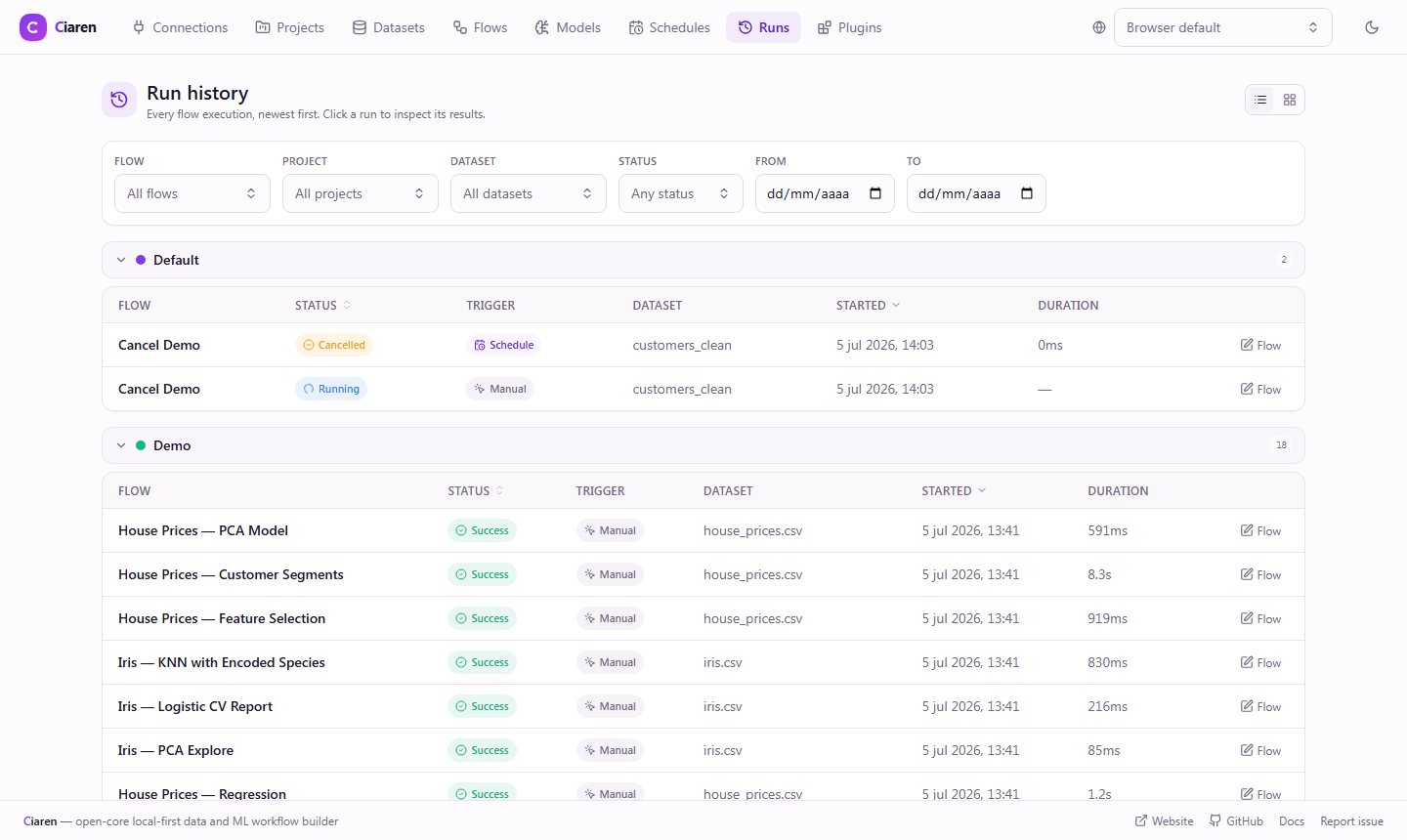
Every execution creates a run with its status, timestamps, logs, the engine used, and the resolved dataset versions. Browse them on the Runs page.
# List, with optional filters
curl "http://localhost:8055/api/runs?flow_id={id}&status=failed"

# One run, with per-node results
curl http://localhost:8055/api/runs/{run_id}
GET /api/runs is filterable by flow_id, project_id, dataset_id, status,
schedule_id, and start-time range (started_after / started_before).
Run detail & per-node results
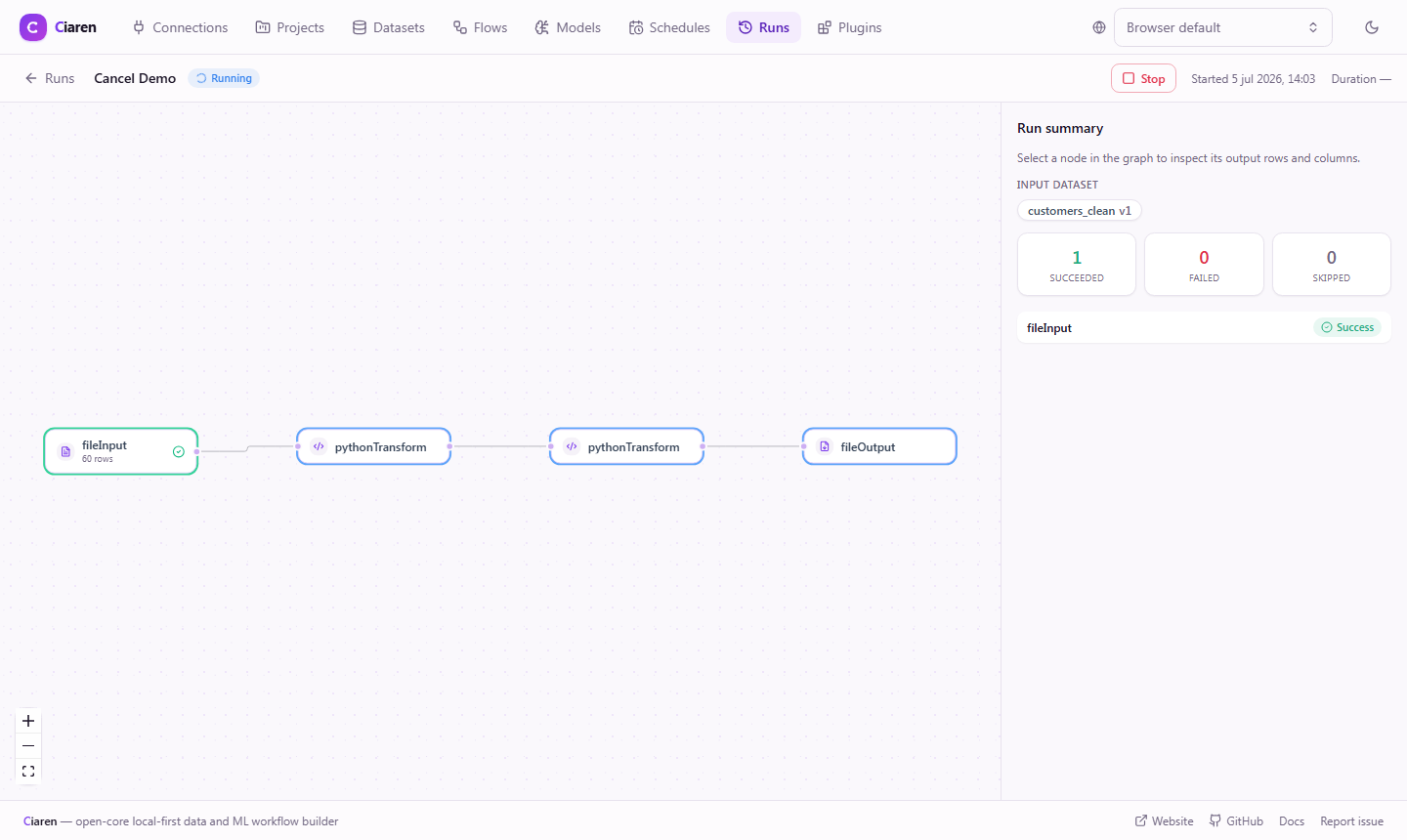
Opening a run (/runs/:runId) shows the flow as a read-only DAG. For each node
it reports:
- status —
success,failed, orskipped, - rows and columns of that node's output,
- a small sample of the data, and
duration_ms— wall-clock time for the node, so you can find the slow step.
Selecting a chart node additionally shows the chart it computed over the full run data, with an Export PNG button — the chart is stored with the run, so it renders instantly on every visit.
If a node fails, its error is captured and downstream nodes are marked skipped.
Output files are only written when every node succeeds.
Cancelling a running run
A run that's still running can be stopped from its detail page, or via
POST /api/runs/{run_id}/cancel (202). The executor checks for the request
between nodes, so the in-flight node finishes and everything after it is
marked skipped; the run ends with status cancelled and doesn't trigger a
failure notification or count toward a schedule's auto-disable threshold.
Cancelling a run that already finished returns 400. In process execution
mode, cancelling refuses (400) if another run is sharing the same worker
pool, since recycling the pool would abort that other run too.
Triggers
Runs carry a trigger (and a schedule_id when applicable), so you can tell
manual runs apart from scheduled ones. See Scheduling.
See also
- Interface Tour — where these pages live
- Engines — what the recorded engine means
- REST API — projects, datasets, and runs endpoints